Docs
Documentation
Guides for getting the most out of Linktanium - tabs, panels, widgets, and more.
Edit Profile
Update your name.
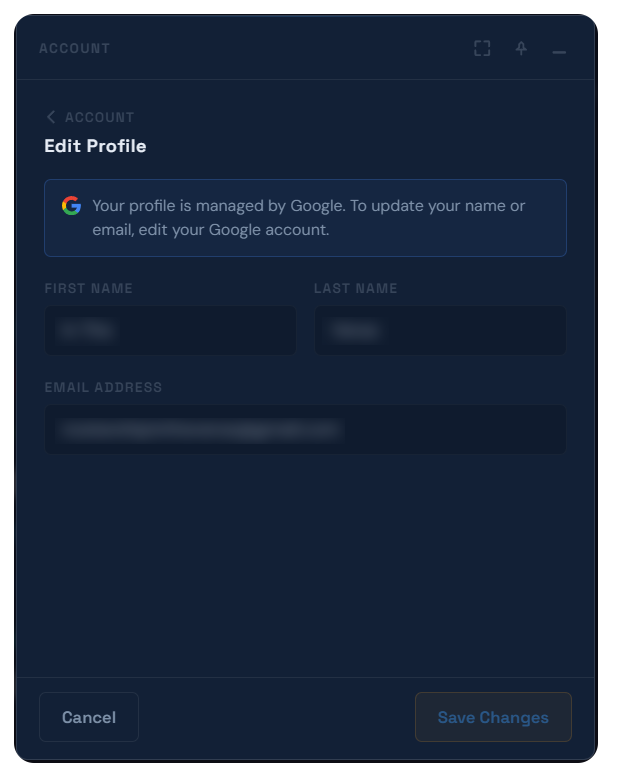
- Open from Account → Edit Profile.
- Update your First Name and Last Name. Your email address is shown but can't be changed here.
- If you signed in with Google, your profile is managed by Google instead - the fields are read-only and a notice links you to update your Google account directly.
- The Save Changes button only enables once you've actually changed something.
Actions
Open Edit ProfileAccount → Edit Profile
Save changesEdit Profile → Save Changes